Masks
Masks are used to differentiate between the foreground and background in WSI processing. dplabtools
provides two classes for mask generation, based on either a set of polygons or tissue processing.
Additional features:
Masks can be created at different WSI levels which determine their XY dimensions. Larger masks may capture more image details, but may consequently reduce the downstream processing performance.
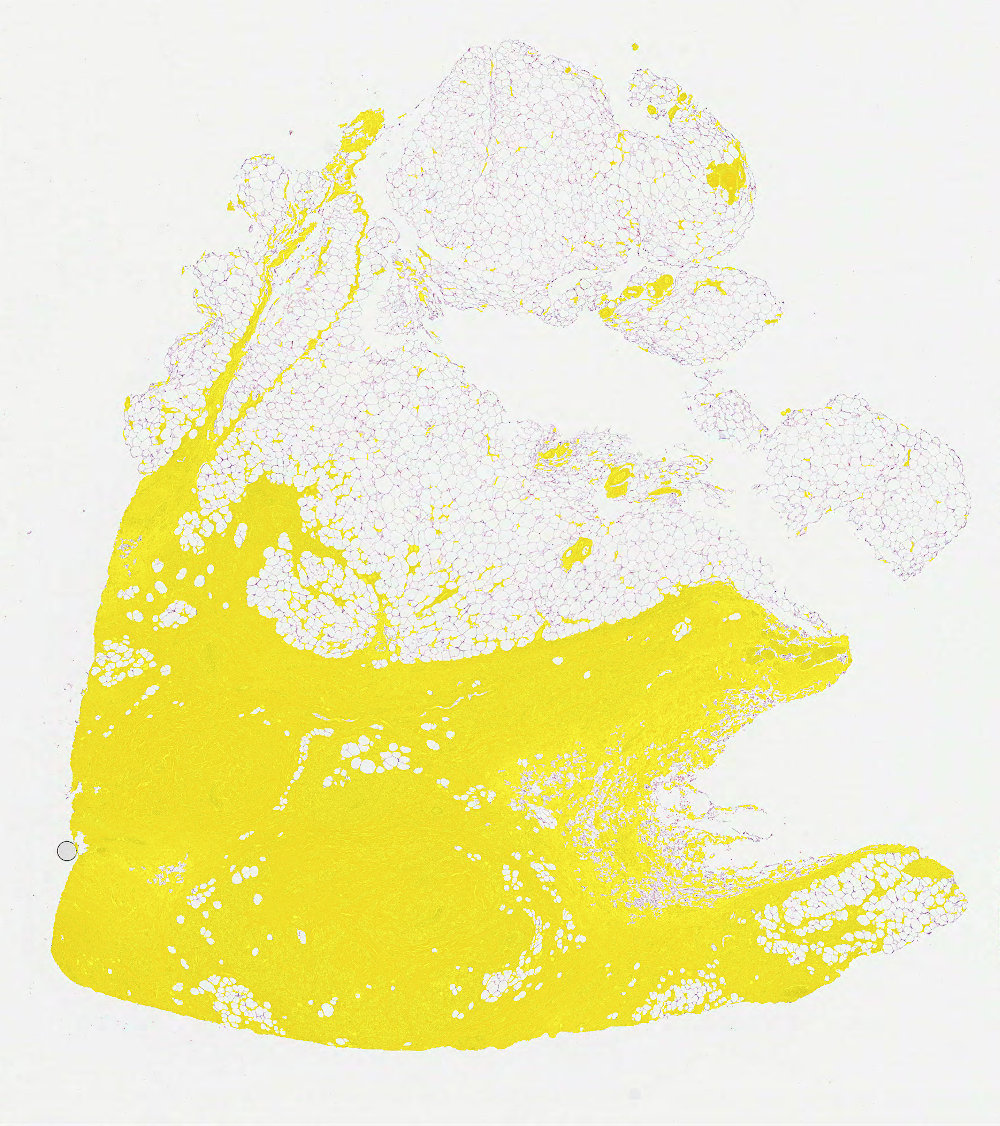
Generated masks can be used as in-memory objects or saved to files as either images or NumPy arrays.
In-memory mask objects are optimized for the smallest possible footprint.
Saved mask files are optimized for the smallest possible file size.
Polygon based mask
- class dplabtools.slides.processing.WSIPolygonMask(...)
Class for creating WSI masks based on predefined polygons.
Notes:
For convenience, polygons are represented by AnnotationPolygon class objects.
Mask WSI level (determined by
level_or_minsize) should match the level at which polygons/annotations were created, typically level 0.
Basic usage
from dplabtools.slides.processing import WSIPolygonMask
from dplabtools.slides.utils import AnnotationPolygon

wsi_file = "/tmp/wsi1.svs"
poly1 = AnnotationPolygon(points=[(2000, 2000), (2000, 3000), (3000, 3000), (3000, 2000)], label="")
poly2 = AnnotationPolygon(points=[(2000, 4000), (2000, 5000), (3000, 5000), (3000, 4000)], label="")
poly3 = AnnotationPolygon(points=[(4000, 2500), (5000, 3500), (4000, 4500)], label="")
polygon_data = [poly1, poly2, poly3]
mask = WSIPolygonMask(wsi_file=wsi_file, level_or_minsize=2, polygon_data=polygon_data)
mask.save_png("mask_polygon.png")
Output (mask_polygon.png):

Class details
Parameters specific to WSIPolygonMask:
- class dplabtoolshiddenclass_19125a3b3c7847c19d5665096d3f6c10
- Parameters:
polygon_data (list of AnnotationPolygon objects or JSON file/string with serialized AnnotationPolygon objects) – Polygons representing desired image foreground.
Tissue based mask
- class dplabtools.slides.processing.WSITissueMask(...)
Class for creating WSI masks based on tissue processing.
Notes:
3 different processing modes are available:
hsv,lab,otsu.Masks can be created at any WSI level based on parameter
level_or_minsize.Mask quality can be improved by removing holes and small objects.
Basic usage
from dplabtools.slides.processing import WSITissueMask

wsi_file = "/tmp/wsi1.svs"
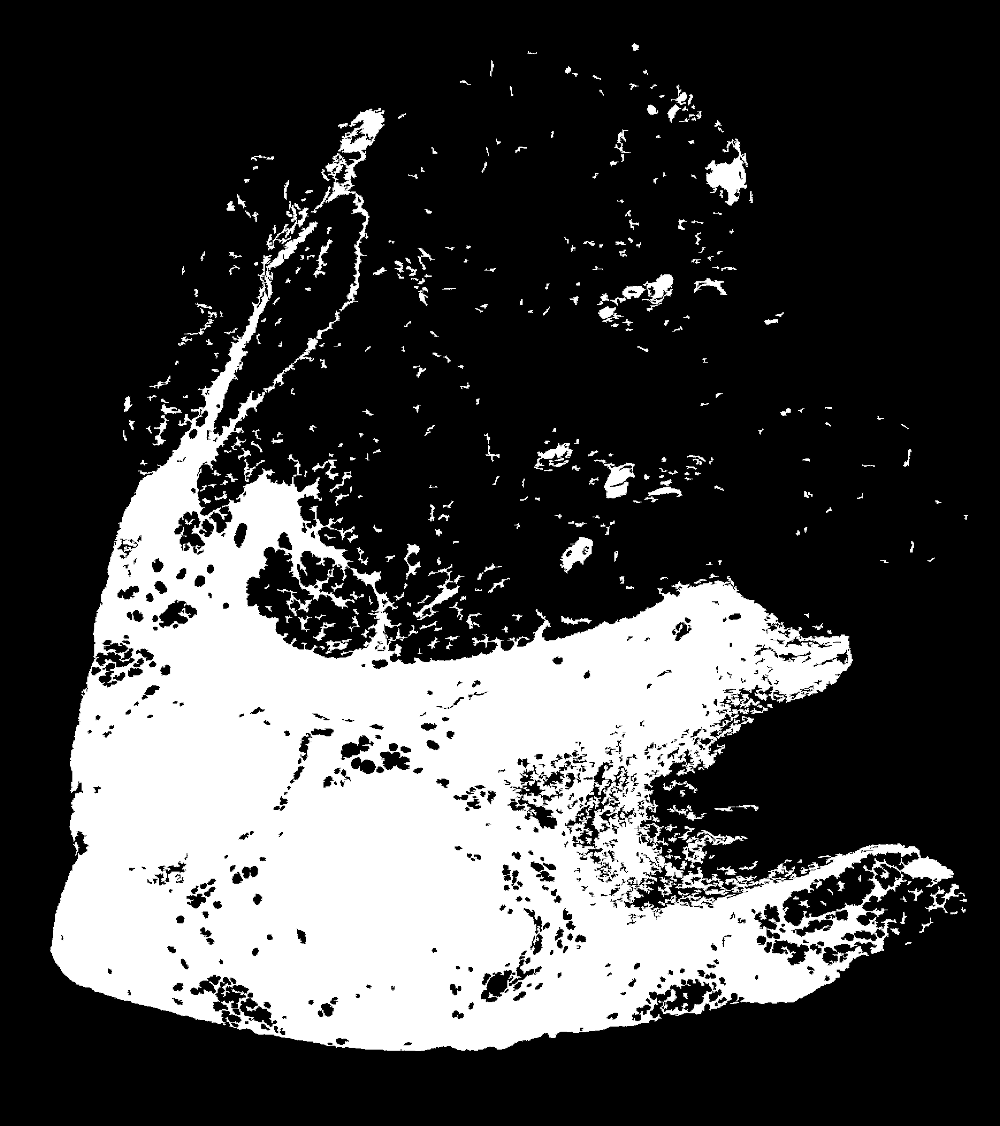
mask = WSITissueMask(wsi_file=wsi_file, level_or_minsize=2)
mask.save_png("mask_tissue.png")
Output (mask_tissue.png):
Class details
Parameters specific to WSITissueMask:
- class dplabtoolshiddenclass_9a5a8055aa9b4b99bf4232c015bbcac6
- Parameters:
mode (str, default="hsv") – One of the three modes:
hsv,lab,otsu.color_threshold (float, default=0.1) – Threshold value used by
hsvandlabmodes.remove_small_holes_ratio (float, dafault=0.1) – Determines the maximum size of small holes to be removed in the mask.
remove_small_objects_ratio (float, dafault=0.1) – Determines the maximum size of small objects to be removed in the mask.
remove_all_holes (bool, default=False) – Whether to remove all holes in the mask or not.
close_fill_kernel_size (int, default=0) – Kernel size for smoothing the mask.
Parameter details
modeandcolor_threshold
hsvandlabmodes use different color space during processing and are accompanied by acolor_thresholdvalue. Their optimal values vary between different tissue staining techniques and should be determined experimentally.
otsumode uses Otsu algorithm to find the optimal threshold value and ignores thecolor_thresholdparameter.Comparison of all three mask
modevalues (hsv,labandotsu) with the same threshold value: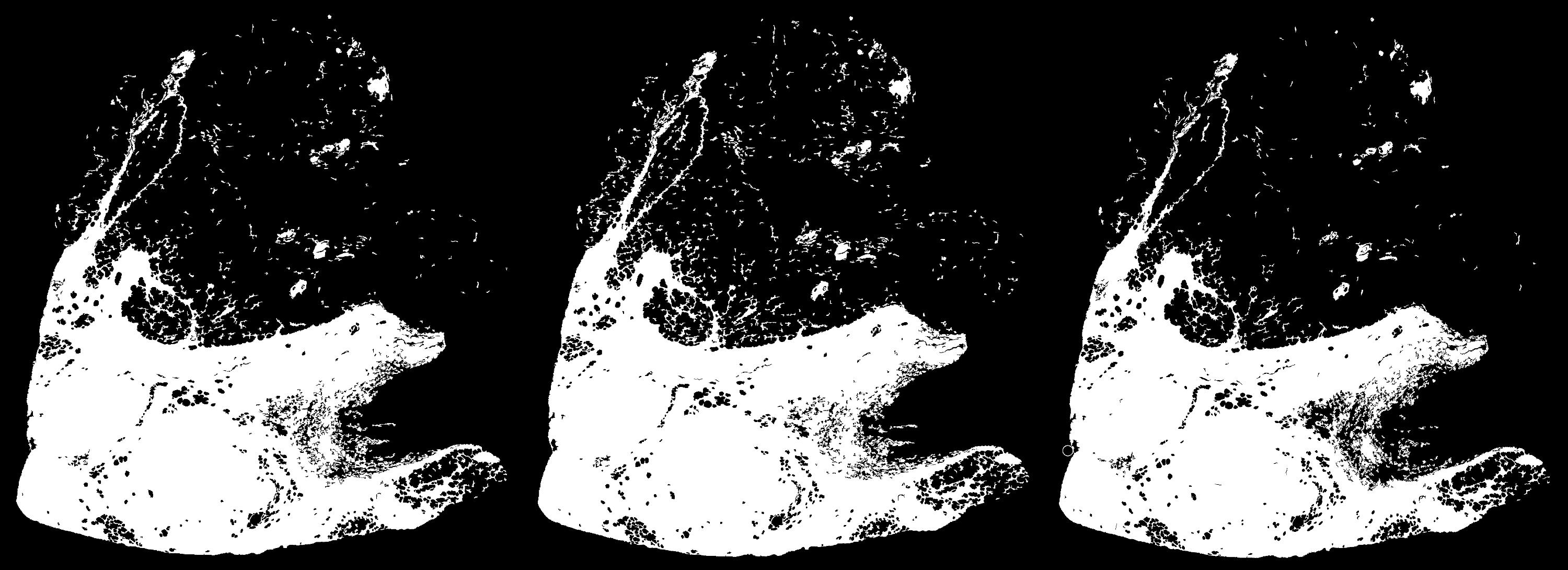
remove_small_holes_ratio
If greater than zero, it enables removing small holes in the generated mask. Its numerical value represents the multiplier ran by a 256x256 patch. The result (total pixel count) of this calculation represents the maximum size of holes that should be removed. E.g.
remove_small_holes_ratio=0.5indicates that holes up to 32768 pixels (256x256*0.5) should be removed, when usinglevel_or_minsize=0. When using a differentlevel_or_minsizevalue, the pixel count value will be scaled down accordingly, e.g. for valuesremove_small_holes_ratio=0.5andlevel_or_minsize=1holes up to 8192 pixels (32768/4) will be removed (4 being the downsample factor between levels 0 and 1).Comparison of three
remove_small_holes_ratiovalues (0.1, 0.5, 1.0):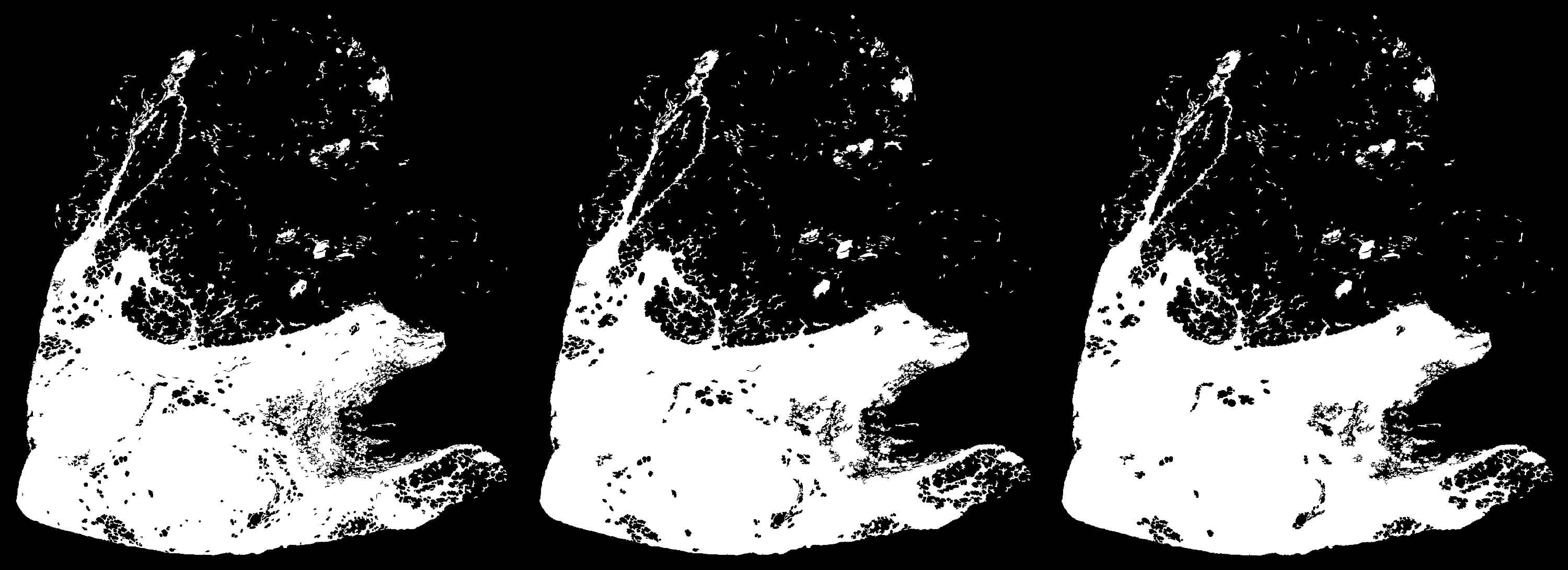
remove_small_objects_ratio
Same logic as
remove_small_holes_ratio, except it removes small objects in the generated mask.Comparison of three
remove_small_objects_ratiovalues (0.1, 0.5, 1.0):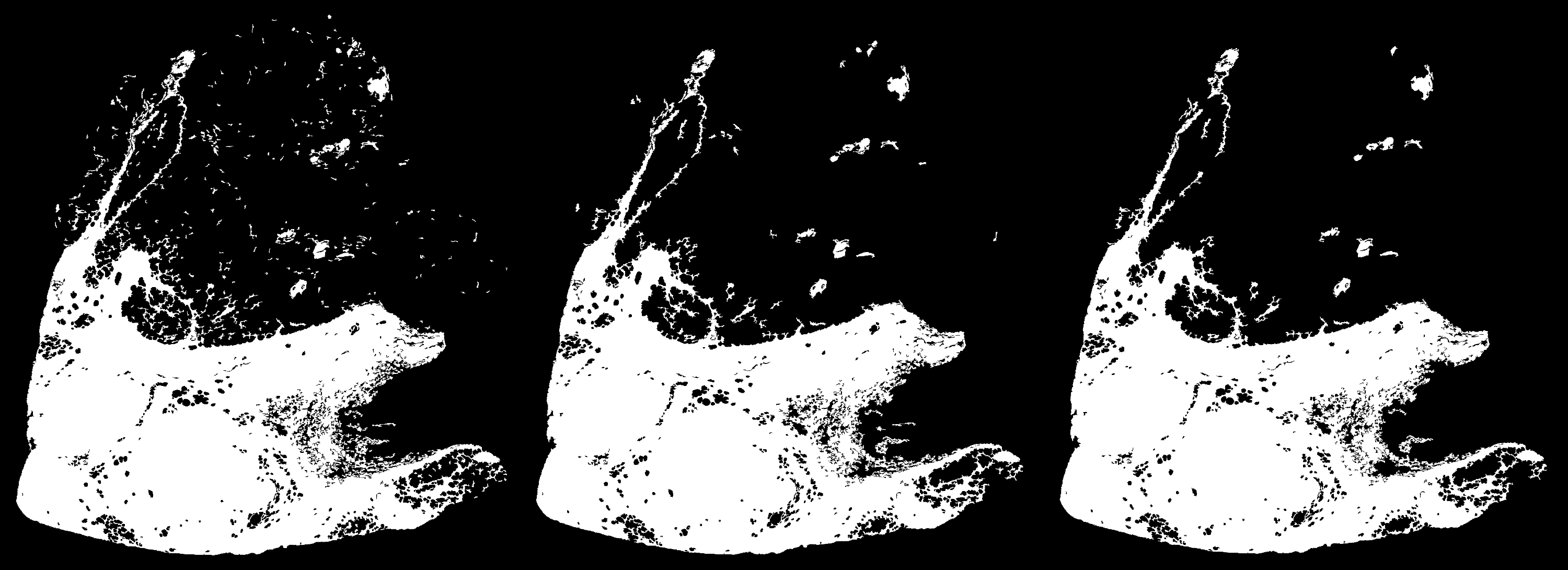
Hint
Removing small objects will accelerate many downstream tasks, as the mask processing area will be more confined, making the process of scanning the mask complete faster.
remove_all_holes
When True, this will remove all holes in the generated mask, any value set in
remove_small_holes_ratiowill be disregarded, an example: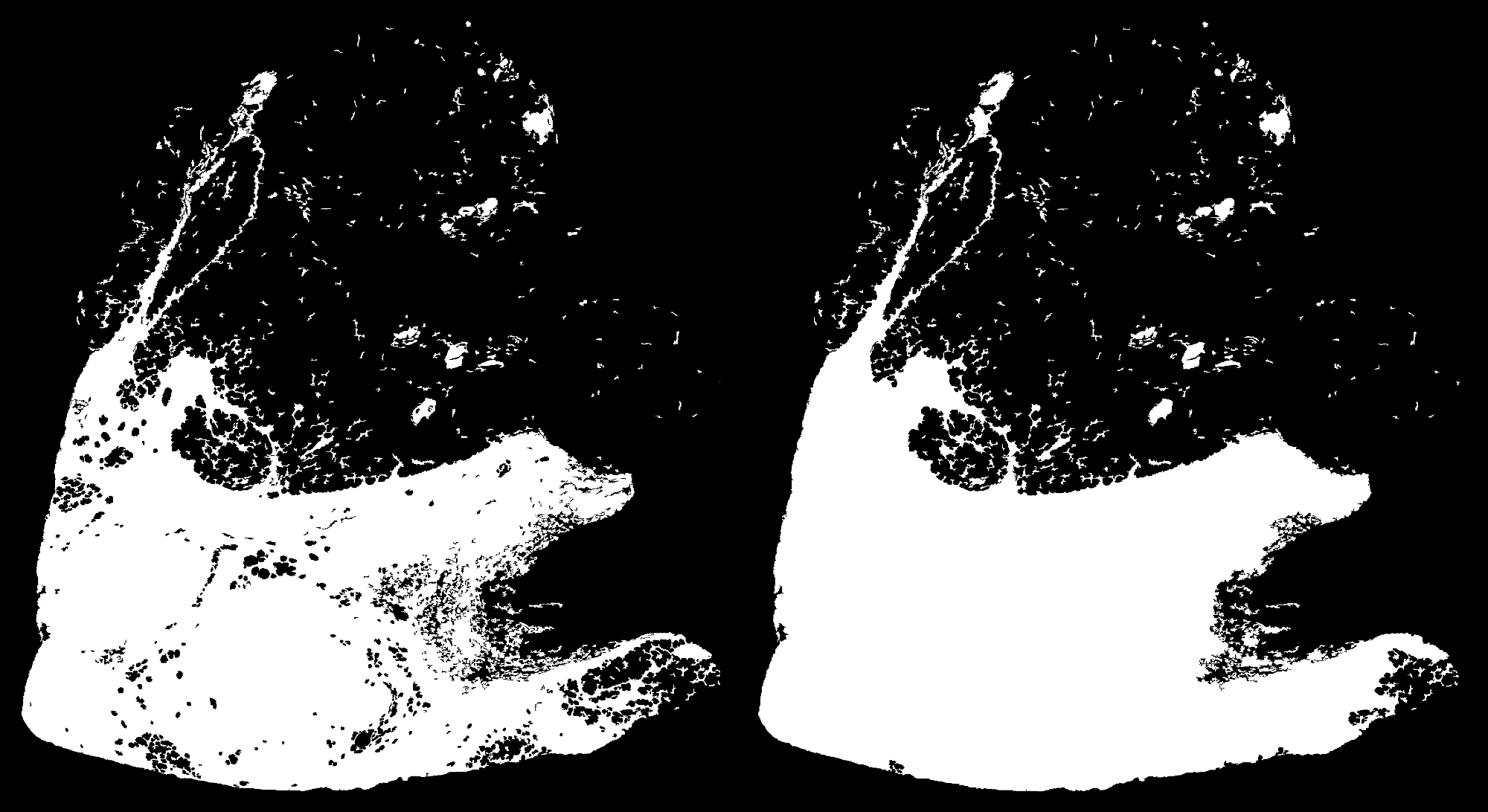
close_fill_kernel_size
This parameter controls the kernel size that is used to close and fill the gaps, an alternative method of smoothing the generated mask.
Comparison of four
close_fill_kernel_sizevalues (0, 5, 10, 15):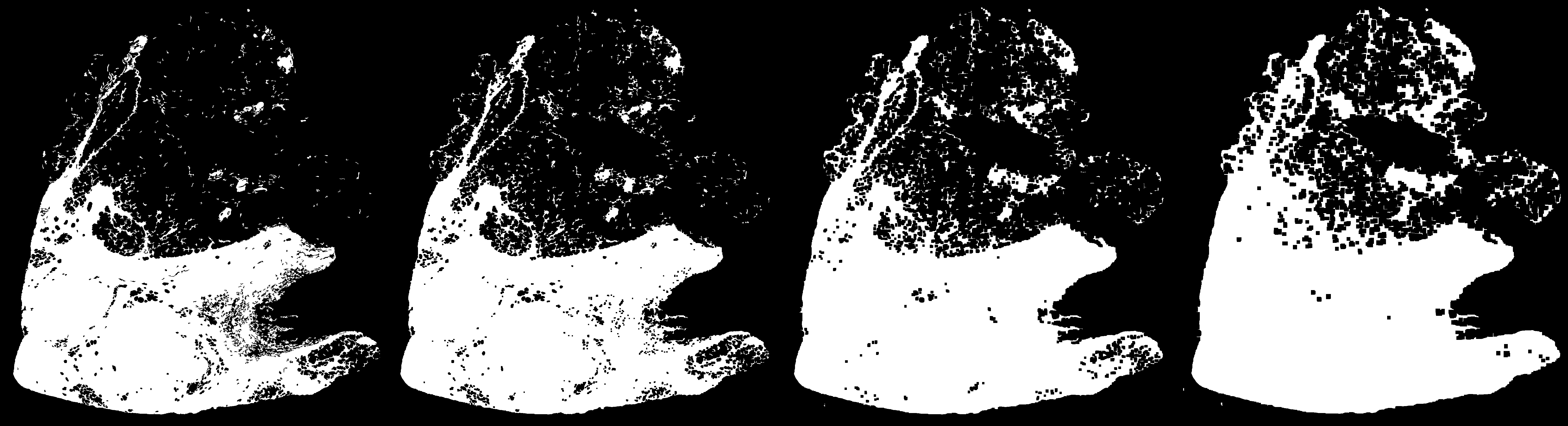
Parameters common in all mask classes
- class dplabtoolshiddenclass_5b9736ab4d9a486fa38a11ae2663e0cb
- Parameters:
wsi_file (str) – WSI file name or path.
level_or_minsize (int) – WSI level or minimum size for mask dimensions.
See also
Methods and properties common to all mask classes
Common methods and properties are derived from the base class.
- class dplabtools.slides.processing.mask.base.BaseMask(...)
Base class for mask classes.
- save_array(array_file)
Save the mask as a compressed NumPy array (NPZ file).
- Parameters:
array_file (str) – NumPy array file name or path.
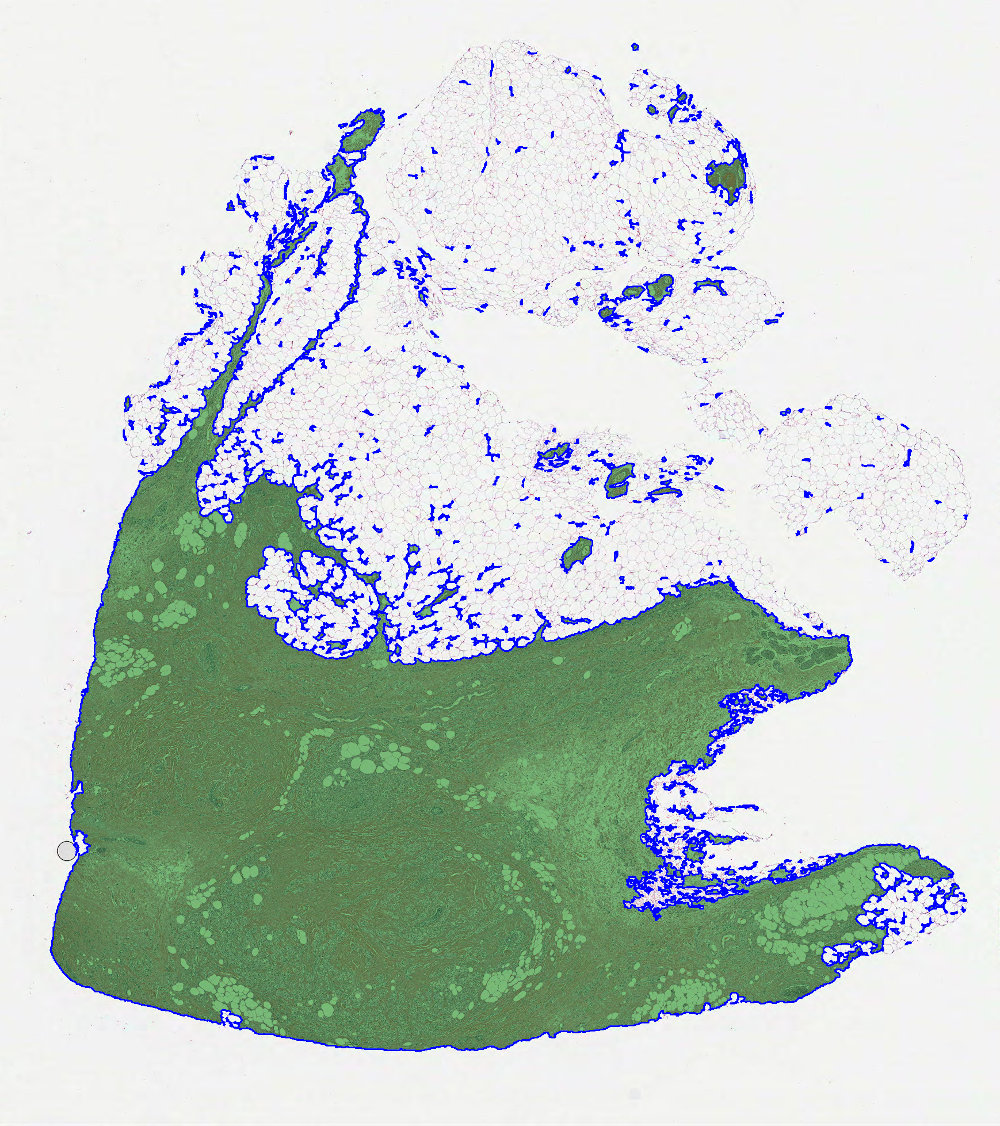
- save_overlay_png(png_file, mask_color='green', mask_alpha=0.5, outline_color='blue', outline_thickness=2)
Save the mask as a PNG tissue overlay image.
- Parameters:
png_file (str) – PNG file name or path.
mask_color (str, default="green") – Color of the mask layer overlay over the WSI.
mask_alpha (float, default=0.5) – Level of transparency for the mask layer over the WSI.
outline_color (str, default="blue") – Color of the mask outline, use
Noneto skip drawing outline.outline_thickness (int, default=2) – Outline thickness in pixels.
- save_png(png_file)
Save the mask as a PNG image.
- Parameters:
png_file (str) – PNG file name or path.
- property array
Return the mask data as a NumPy array.
- property level
Return the calculated or provided mask level.
Mask overlay examples